How Much Does It Cost to Make an Uber Eats Clone App?
The on-demand food delivery market in the U.S. is projected to surpass hundreds of billions in revenue we are already witnessing unprecedented adoption. Developing an Uber Eats–style mobile app—whether for Android, iOS, or both—presents a lucrative opportunity for entrepreneurs and established businesses alike. But building a high-performance food delivery platform requires a deep understanding of both development costs and technology trends shaping the industry.
Understanding the Food Delivery App Development Cost Spectrum
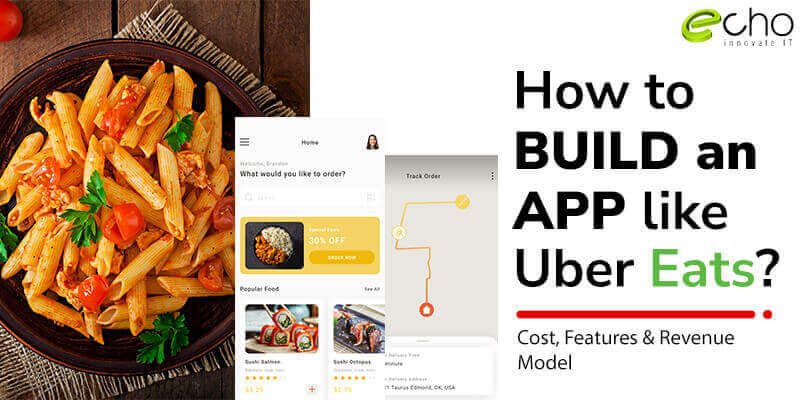
Building an Uber Eats clone app can cost anywhere from $20,000 for a basic MVP to $50,000+ for a fully custom, enterprise-grade platform. The cost depends on scope, features, platform choice, and the development team’s expertise.
Basic MVP: $10,000–$20,000 – Includes restaurant listings, menu browsing, order placement, and payment integration.
Mid-Range App: $15,000–$30,000 – Adds GPS tracking, push notifications, reviews, and advanced search filters.
High-End Solution: $30,000–$50,000+ – Includes AI-based recommendations, driver management dashboards, loyalty programs, multi-language/multi-currency support, and scalable cloud architecture.
Key Factors That Affect Cost
Platform Choice: Native Android and iOS apps often cost more due to separate codebases, while cross-platform frameworks like Flutter or React Native can reduce costs without compromising quality.
Feature Set: Real-time delivery tracking, in-app chat, AI-driven food suggestions, and order scheduling increase development time and budget.
UX/UI Design: A visually engaging, mobile-first interface optimized for fast ordering boosts customer retention but adds to design investment.
Third-Party Integrations: Payment gateways, mapping APIs, analytics tools, and marketing automation platforms add licensing and integration costs.
Backend Infrastructure: Secure, scalable cloud hosting with real-time order updates and driver routing logic requires robust backend development.
Essential Features for an Uber Eats–Style Food Delivery App
User App: Account creation, menu browsing, order placement, multiple payment methods, order tracking.
Restaurant App/Dashboard: Menu management, order acceptance, order status updates, earnings tracking.
Driver App: Order requests, route navigation, earnings reports, delivery status updates.
Admin Panel: User management, restaurant onboarding, commission settings, analytics.
Development Timeline
MVP Build: 2–4 months
Mid-Range App: 4–6 months
Enterprise Solution: 8–12 months or longer
Food Delivery App Trends
AI Personalization: Suggesting meals based on dietary preferences and order history.
Sustainable Delivery Options: Carbon-neutral delivery and green packaging filters.
Voice Ordering Integration: Allowing users to place orders via smart assistants.
Drone and Autonomous Delivery Readiness: Building backend systems capable of integrating future delivery methods.
Subscription Models: Unlimited free delivery, exclusive deals, and loyalty programs.
Top Features of Uber Eats App To include in your App
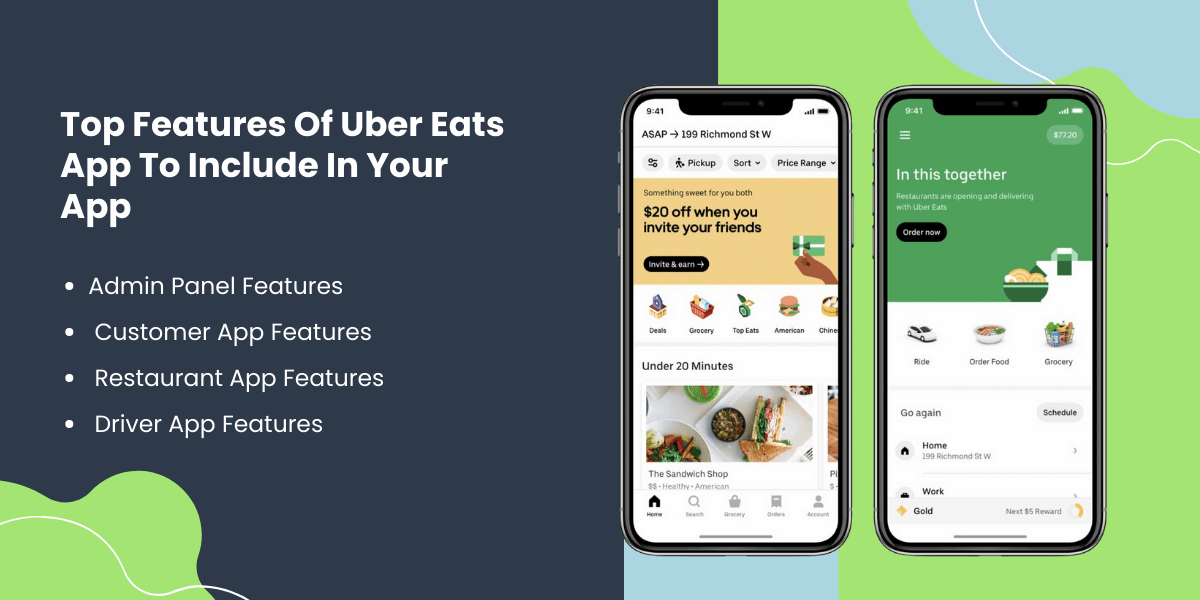
Admin Panel Features
Database Management
Manage the data of the registered clients, restaurants, number of delivery boys & every single piece of info through the mobile app.
Customer Management
Admin can check the buyer details, their number of orders, the date & time of the order, and the amount of the orders.
Restaurant Management
Admin can add new restaurants or eliminate the old ones and maintain a flexible supply guide through one platform.
Offer Management
Produce and deploy new deals, offers, and discounts, and also permit the deals from the restaurant side.
Revenue Management
Managing the payment received from the clients, given to the restaurants, payment made to the delivery boys & commission set for them.
Feedback Management
Admin can view & manage the feedback received from the clients and answers given by the restaurant and delivery boys.
Notifications To Registered Users
Manage the SMS, Emails, and App Push Notifications for the clients, delivery, and restaurants.
Customer App Features
Quick Onboarding
Get started with social login selection or through email registration.
Search nearby Restaurants
Try to find restaurants based on the type of locations, cuisines, timings, and any such particular thing.
Browse the Menu
Check the menu of all the restaurants, their specialty, and prices.
Select Your Order
Once selecting the restaurant, the buyer can choose the order and place it.
Check the Cart
The selected order should be added to the cart, and then the order can be placed.
Push Notifications
Get information about new restaurants, features, or offers released right in your inbox through push notifications.
Secured Payment Mode
The customer should be availed of multiple payment selections, whether a credit card, cash, debit card, or wallet, and all those methods must be secure. The business model of Uber Eats gets more chances of success when there are easy and convenient ways of payment available.
Track Your Delivery Boy
The food delivery app can track where the delivery boy has reached & how much time is spent to cover the distance.
Rate and Review
If the customer is glad about the service of the food delivery app, he can rate and give positive feedback in case of bad service to the contrary.
Offers and Promos
Several promos & offers are availed to the customers to benefit from.
Restaurant App Features
Profile Creation
To accumulate user data, create a profile to form a strong relationship with the user through social media.
Order Alerts
Order alerts must be included when the user places the order to make the restaurant staff get going and be ready with the order as soon as possible.
Customize Your Menu
The restaurant owner can change the Menu as per his choice by customizing the Menu Feature in the food delivery app.
Select Your Order
Once selecting the restaurant, the buyer can choose the order and place it.
Order Management
With the help of this feature, the restaurant can keep track of the number of orders received, the number of orders delivered, and the number of orders on the way.
Payment Management
Payment is received through cash or card, and whether the payment is made to the delivery boy is managed through this feature of the food delivery app.
Customer Details
The restaurant panel requires the customer’s contact details to confirm the order to get the location.
Track Order History
The restaurant panel can track how many orders they have completed, how many are yet to be finished, etc.
Answer Feedback
The restaurant owner is allowed to answer the reviews & feedback from the customers.
Manage Special Offers
The restaurant owner can provide offers, seasonal discounts, and rewards to its supreme customers through the on-demand food delivery mobile app.
Driver App Features
Create A Profile
The driver should create his profile, providing details like name, documents, contact details, and payment details.
Receive Order
The driver should get the order, the customer’s contact details, and the delivery location through the food delivery app.
Receive Delivery Location
The driver should receive the customer’s delivery location through GPS to reach there in time & deliver the food on time.
View Order History
This feature will allow the driver to view the number & type of orders he has accomplished on a particular day, week, or month.
Receive Multiple Deliveries
The driver can also get numerous orders at a single instance to save time & effort in delivering an order to the nearby location.
Notifications
The driver must be notified of any policy change in delivery location or the addition of new delivery through the app.
Ways to Create An App Like Uber Eats
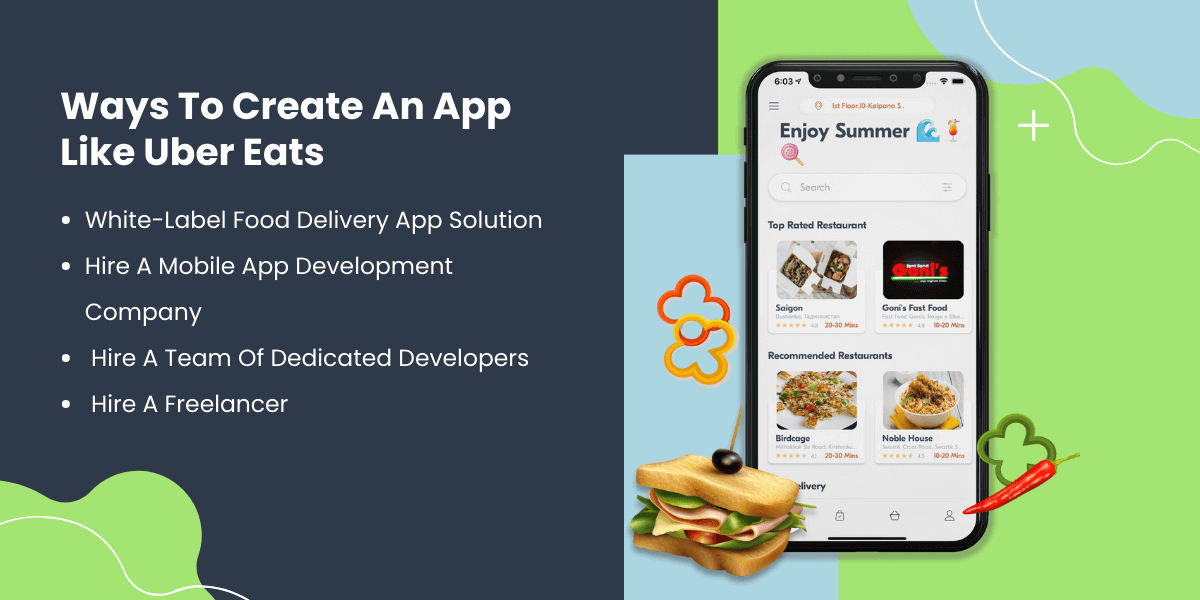
White-Label Food Delivery App Solution
Keeping in mind the growing popularity of food delivery applications, mobile app development companies have also released readymade food delivery apps. You only need to choose which template provides you with all the necessary characteristics. You can start your food delivery app development quickly, allowing you a faster entrance than any other way.
Hire A Mobile App Development Company
A unique solution that fits all your needs without any headaches is a great concept. A reputable and highly rated food delivery app development company in the USA will provide excellent value. In addition, you can concentrate on your company while the mobile app is being developed.
Hire a team of Dedicated Developers
If you are looking for a way to get your project live in less time and with the utmost quality, hiring a team of dedicated developers who can understand your project, have adequate skills and knowledge of technologies at focus, and work full-time to give you a perfect food delivery app like Uber Eats including any custom features you want.
Conclusion
UberEats has been growing exponentially since Covid-19 outbreak and is still estimated to skyrocket as people are now getting used to ordering food. Also, many new food businesses now offer the kind of food that customers want which makes your favorite food available easily.
With such growth, developing a food delivery app has high chances of turning out into a profitable investment. However, to go for his, assistance of an experienced app development company is vital.
Echoinnovate IT has been working in mobile app development field since subsequent years and have made their clients happy by delivering top food delivery apps like Uber Eats.
FAQs
How Long Does It Take To Develop An App Like UberEats?
An app-like Uber Eats requires developing different panels for admin, user, driver. So, it takes around 4-8 months to create an app like Uber Eats based on the customizations included in the app.
Is It Possible To Add Custom Features When Developing On-Demand Solution Like Uber Eats?
Yes, adding custom features and functionalities is possible. You can discuss all your requirements with our development team and get your favorite features integrated in the app.
Do You Offer White-Label App Development Services?
Yes, we provide white-label app solutions for multiple industries. You can contact our team or visit here to know more about our on-demand app development services.
Do You Provide Regular Updates During Development?
Our team are constantly in touch with our clients for any updates and changes required in the app. We make sure that our clients gets clear and timely communication of the work progress for the project.
What factors influence food delivery app development costs?
Costs depend on app complexity, platform choice (Android, iOS, or both), design quality, third-party API integrations, and backend infrastructure requirements.
Should I build separate Android and iOS apps or a cross-platform app?
Separate native apps offer top performance but cost more. Cross-platform frameworks like Flutter or React Native reduce costs while supporting both platforms.
How long does it take to build an Uber Eats-style app?
A basic MVP takes 3–5 months, a mid-tier app 6–9 months, and a full-featured enterprise app 9–12+ months.
What features are essential for a successful food delivery app?
Core features include restaurant listings, menu browsing, order placement, secure payment gateway, GPS tracking, push notifications, and ratings/reviews.